

Do you know that 89% of consumers are likely to shop with a business that always replies? Thus you should always try and respond to your customers to increase your engagement with them.
Instagram currently has 44 million users. When you post a story about a product, there are chances that there would be a lot of inquiries about the price, feature, quality, etc. of the product which you need to answer to increase your sales. It could be a bit hard for you or your agents to attend all the DMs regularly, that’s where an Instagram bot can be helpful.
Let’s dive into the article and discover the steps to integrate the bot.
Contents in this post are as follows
- Benefits of Instagram Bots
- Steps to Add Instagram Bot to Automate Story Reply
- Amicusly: Smarter Customer Engagement Starts Here
Benefits of Instagram Bots
Increases Customer Engagements
The Instagram bots engage with your customers through direct messages and comments, to solve their queries or promote your products. This creates loyalty in your customers towards your brand and then they stick to your company for a longer time.
Increases Followers
Your bots’ engagement leads to more loyal customers that follow your page for regular updates. They even automatically track users that follow a page similar to yours and then engage with them.
If you are a new startup then with more followers your chances of getting a blue tick also increase.
Streamline Payment Processing
You can allow Instagram chatbots to accept direct payments or make your customer aware of their payment status. This creates a transparent environment for you and your customers.
Time-Saving
Now your agents can focus on other more important tasks while the bots solve your customers’ queries. This ensures that your business has seamless operations.
Steps to Add Instagram Bot to Automate Story Reply
We would be using ManyChat to automate your Instagram direct.
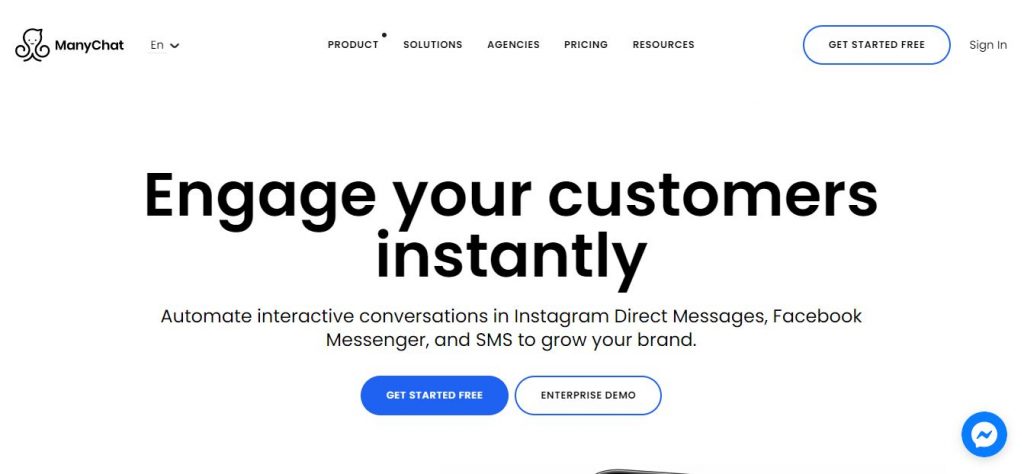
Step 1: Connecting Instagram with Facebook
The first step to automate your inbox is by connecting your Instagram with Facebook. To do that open Facebook and navigate to Settings. Then click on Connect Account under the Instagram logo.
Note: Make sure that your Instagram account is a business account.
Step 2: Connecting Instagram with Manychat
Firstly create a ManyChat account. Then go to Settings>Instagram and click on Connect. After that select the Facebook page that is connected to your Instagram.
Step 3: Setting up Instagram Story Trigger
Now we will set up your Instagram story trigger in ManyChat.
To do that open ManyChat, go to Automation, and click on New Flow. Then at the right bottom select Start from scratch and search “Instagram Stories Reply”. ManyChat will automatically create a flow.
Step 4: Editing Triggers in Manychat
Now we will edit the triggers in ManyChat.
Under the Starting Step click on Trigger. After that select Instagram and choose Instagram Story Reply.
This will automatically open the trigger option for Instagram.
Step 5: Determine the Keywords you Want to Reply
In this step, we will determine what keywords you want to reply to your customers.
To do that click on Message and enter the word you want to trigger e.g. “price” and then click Save.
Step 6: Automating Instagram Story Reply
This step includes the main task of automating the reply to the Instagram story.
You need to click on First Messages in the Manychat flow. Then you need to type the message. For example “Thanks for contacting the price of the product is $XY”
Step 7: Adding Quick Replies
You can even add CTA replies.
To add quick replies click on Add Quick Replies and type in your message, for example, “get your dress now!”, setting the “When the button is pressed” to Instagram and click Done.
After following all these steps you can easily automate your Instagram story reply.
Amicusly: Smarter Customer Engagement Starts Here

Amicusly.com combines cutting-edge AI to deliver seamless customer engagement, automating repetitive tasks and uncovering insights that drive growth. Key tools include Automated Campaigns, AI-driven Journey Tracking, and advanced analytics to help businesses thrive.
Key Features:
- AI-Powered Campaigns: Personalized marketing campaigns created and deployed effortlessly.
- Fresh Campaign Ideas: Weekly suggestions tailored to your customers’ needs.
- Real-Time Problem Detection: Quickly resolve customer issues flagged by smart tracking.
- Detailed Analytics: Instant alerts and insights help you stay agile.
- Journey Tracking: Monitor every touchpoint in the customer lifecycle automatically.
- SEO Optimization: Generate content ideas that drive search traffic.
- AI Marketing: Simplify workflows with autonomous marketing solutions.
Conclusion
Now, in the end, we hope that through the steps listed above you were able to automate your Instagram story reply and engage with your customers frequently.
However, if you are looking for complete customer support software, then you should try Amicusly. It can automate your customer support with the help of its AI chatbot which provides the best customer support service. The AI bot can even automate your social media handle by collecting reviews from Google, Trustpilot, Yelp!, etc. and posting them on your social media platform.
So what are you waiting for?